

























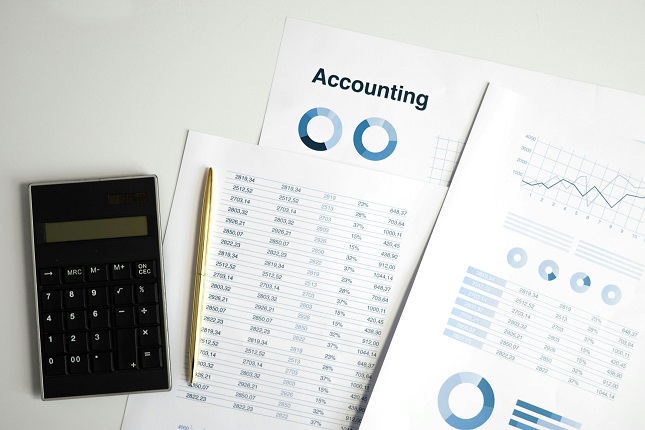
Spreadsheets are versatile tools that most businesses already use for bookkeeping, data analysis, reporting, and more. However, many businesses don’t utilise the full potential of spreadsheets to maximise productivity. With some creative uses, spreadsheets can streamline workflows, organise information, automate repetitive tasks, and provide valuable insights.
Simplify Data Entry and Organisation
Instead of entering data into separated documents or systems, compile it into a master spreadsheet. This enables you to view data together for easier reporting and analysis. Spreadsheets keep information neatly arranged in rows and columns, making it simple to organise even large datasets. Features like filtering and sorting allow you to manage data with a few clicks.
Automate Repetitive Processes
Entering and calculating the same types of data is time-consuming and leaves room for human error. Spreadsheets can automate these repetitive processes through features like formulas, macros, and pre-populated templates. Today, many businesses are also exploring can AI create spreadsheets and automate data workflows even further by generating formulas, templates, and structured datasets automatically. You can still build formulas once to instantly perform calculations like totals and percentages every time you input new data.
Improve Scheduling and Resource Allocation
From staff schedules to production schedules and inventory management, spreadsheets provide a customisable framework to organise schedules and resources. You can easily view availability and usage rates at a glance. Plus, you can use conditional formatting to highlight constraints and risks to efficiency. Spreadsheets make it simple to test different scheduling scenarios to optimise personnel, equipment, and inventory allocation.
Improve Your Decision-Making Capability
Before making business decisions like expanding a product line or hiring more people, test how the changes could impact your metrics. Spreadsheets’ modelling capabilities let you create projections and conduct what-if analysis by plugging different assumptions into the formulas. Experiment with multiple scenarios to assess risks and get insights on the best path forward for your bottom line. Work with an Excel expert for more in-depth data modelling expertise.
Track Metrics and Analytics
With spreadsheets, businesses can continually input metrics like sales numbers, web traffic, operational costs, conversions, and more. View historical data together, calculate KPIs with formulas, build interactive dashboards using pivot tables, and create visualisations like charts. Spreadsheet analytics empower better business decisions with deeper data-driven insights.
Collaborate in Real Time
Rather than emailing spreadsheets back and forth, use cloud-based spreadsheets that allow for real-time collaboration. Multiple teammates can simultaneously access, edit, and review the same spreadsheet. Comments and chat features facilitate productive discussions around the data. You can also set user permissions for private data. Real-time collaboration keeps everyone on the same page.
Customise Forms and Reports
Quickly build customised forms and reports tailored to your business workflows instead of rigid off-the-shelf solutions. Hide unnecessary spreadsheet components to simplify forms and reports for the end user. Apply conditional formatting to auto-highlight important metrics or trigger workflows. Develop easy spreadsheet-fed business intelligence dashboards for data visualizations.
When leveraged effectively, spreadsheets both save time on routine tasks and provide the meaningful analysis needed to continually refine business processes. Every business is sitting on useless productivity potential if they let spreadsheets languish merely for basic number storage. Put them to work, and watch your enterprise become more streamlined, informed, and optimised.